New on Loko: Save Your Favourite Properties ❤️
Searching for a property often means browsing dozens of listings before finding a few favourites that you want to revisit or compare. That's why we've added a new feature to Loko – saved favourite properties.
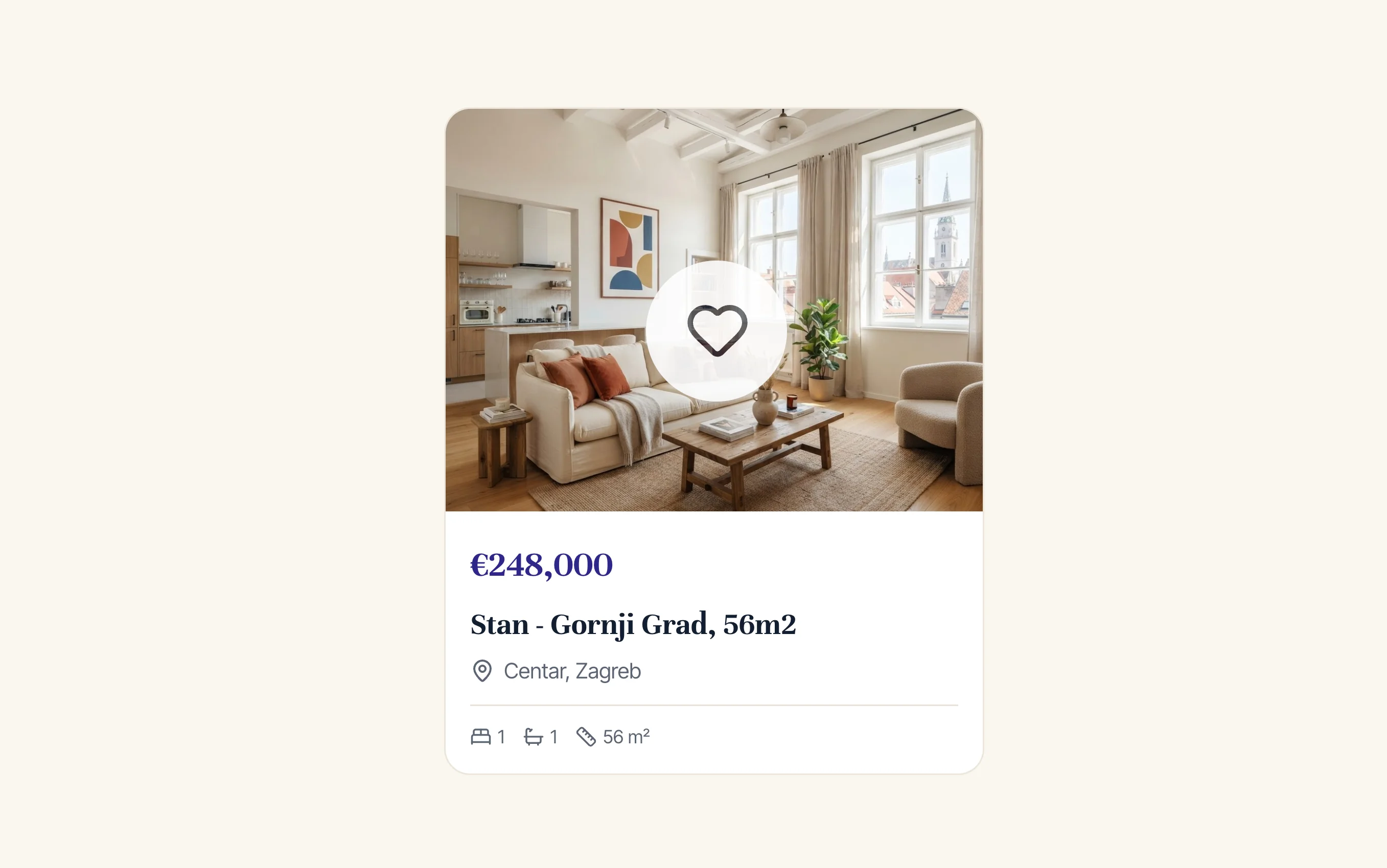
You can now save interesting listings with a single click and easily return to them later.
Save a Property with One Click
When you find a property you like, simply click the heart icon on the listing.
The property will immediately be added to your favourites, so you won't have to search for it again.
You can save multiple properties and create your own shortlist of apartments, houses, or other properties you'd like to explore in more detail.
All Your Saved Properties in One Place
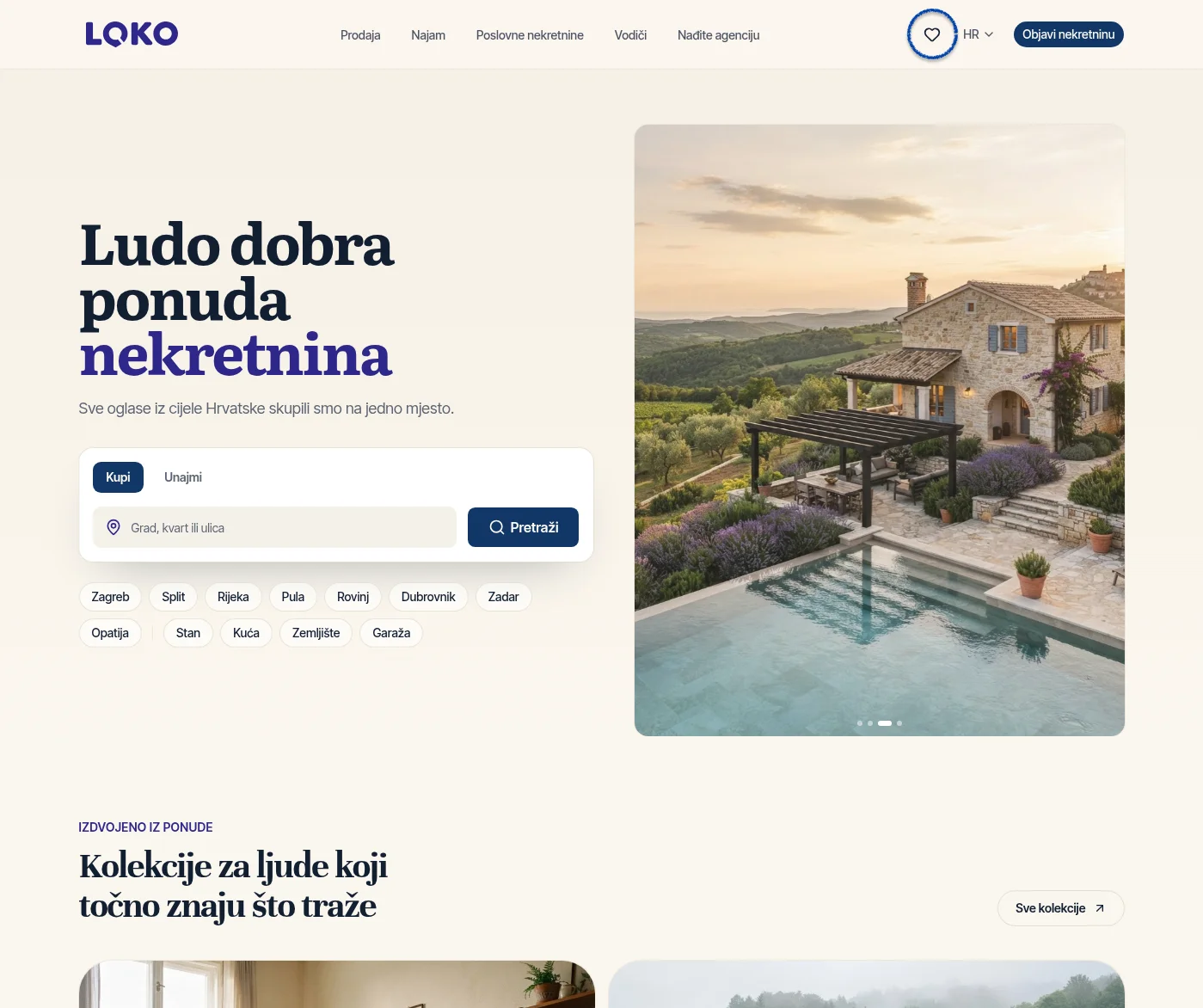
You can access your favourite properties via the heart icon in the main Loko navigation.
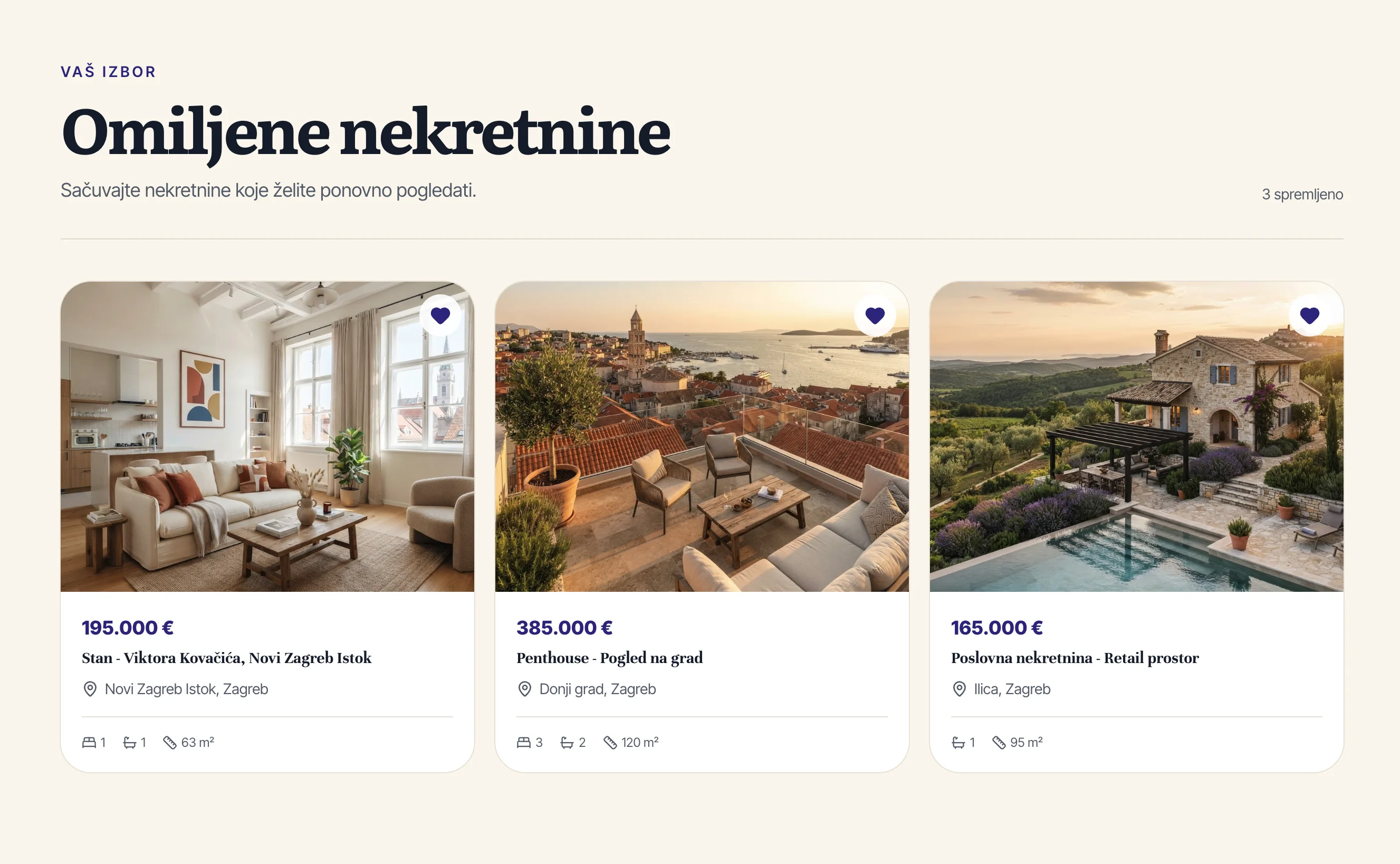
There, you'll find all the listings you've previously saved and can return to them whenever you want.
This is particularly useful when you're browsing a large number of listings and want to create a shortlist before contacting an agency or arranging a viewing.
No Account Required
You don't need to create an account or sign in to Loko to save your favourite properties.
Simply open Loko, find the properties you're interested in, and click the heart icon.
We want property search to remain as simple as possible, without unnecessary steps before you can use the core features of the platform.
Create Your Shortlist More Easily
The new favourites feature is particularly useful when:
comparing several similar properties
keeping track of listings you're interested in
planning to contact multiple agencies
creating a shortlist before arranging viewings
searching for properties over several days.
Instead of searching again and trying to find a listing you've already seen, simply save it to your favourites.
Try the New Feature
Browse properties on Loko and click ❤️ whenever you find a listing you'd like to save.
You can then find all your favourites by clicking the heart icon in the main navigation.
We're continuing to improve Loko to make searching for and comparing properties simpler, faster, and easier.